Two macros, one gesture
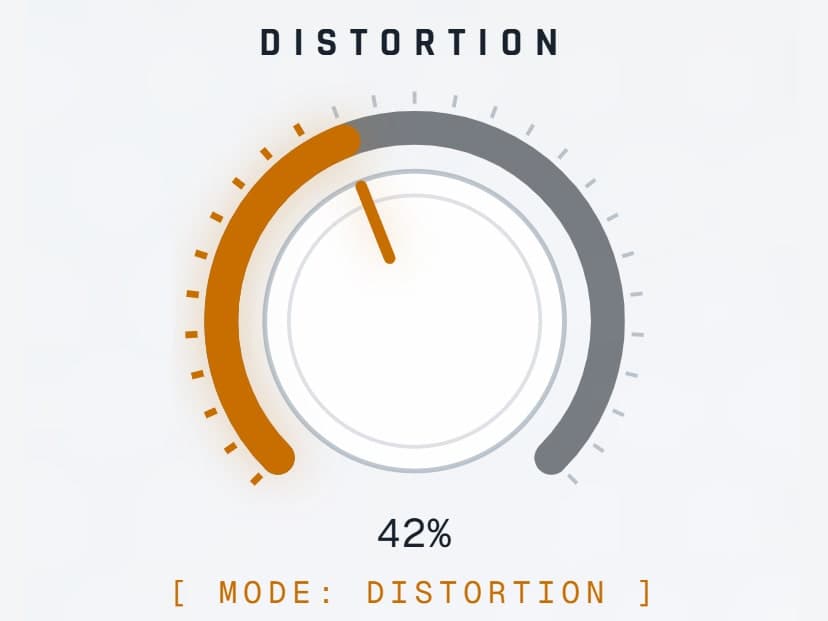
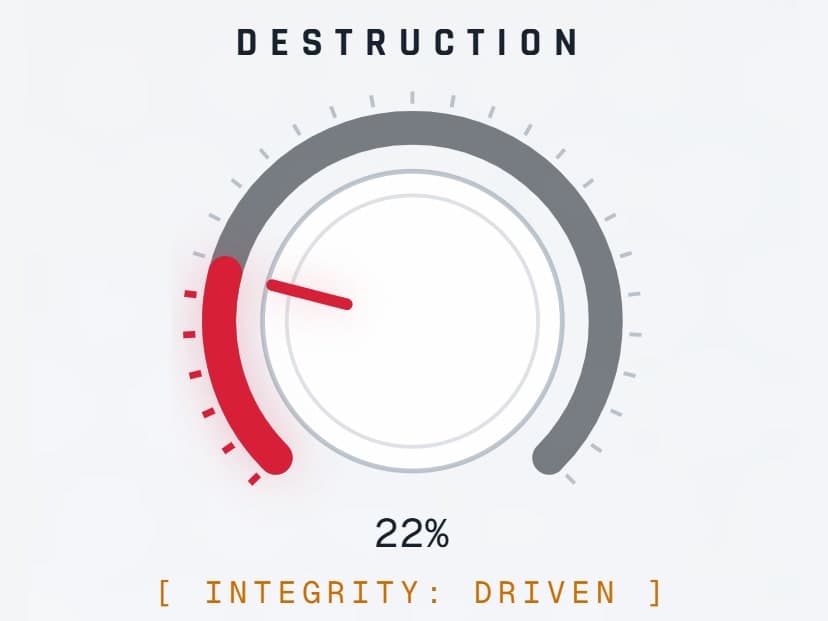
Distortion is a continuous morph rather than a mode switch. Destruction is staged so a small move adds drive and a big move takes the signal apart.
Move from subtle saturation to fractured textures with morphing distortion, multiband control and dynamic movement.
Try the demo in your DAW. Downloads & compatibility.
Own v1? Your upgrade is free.
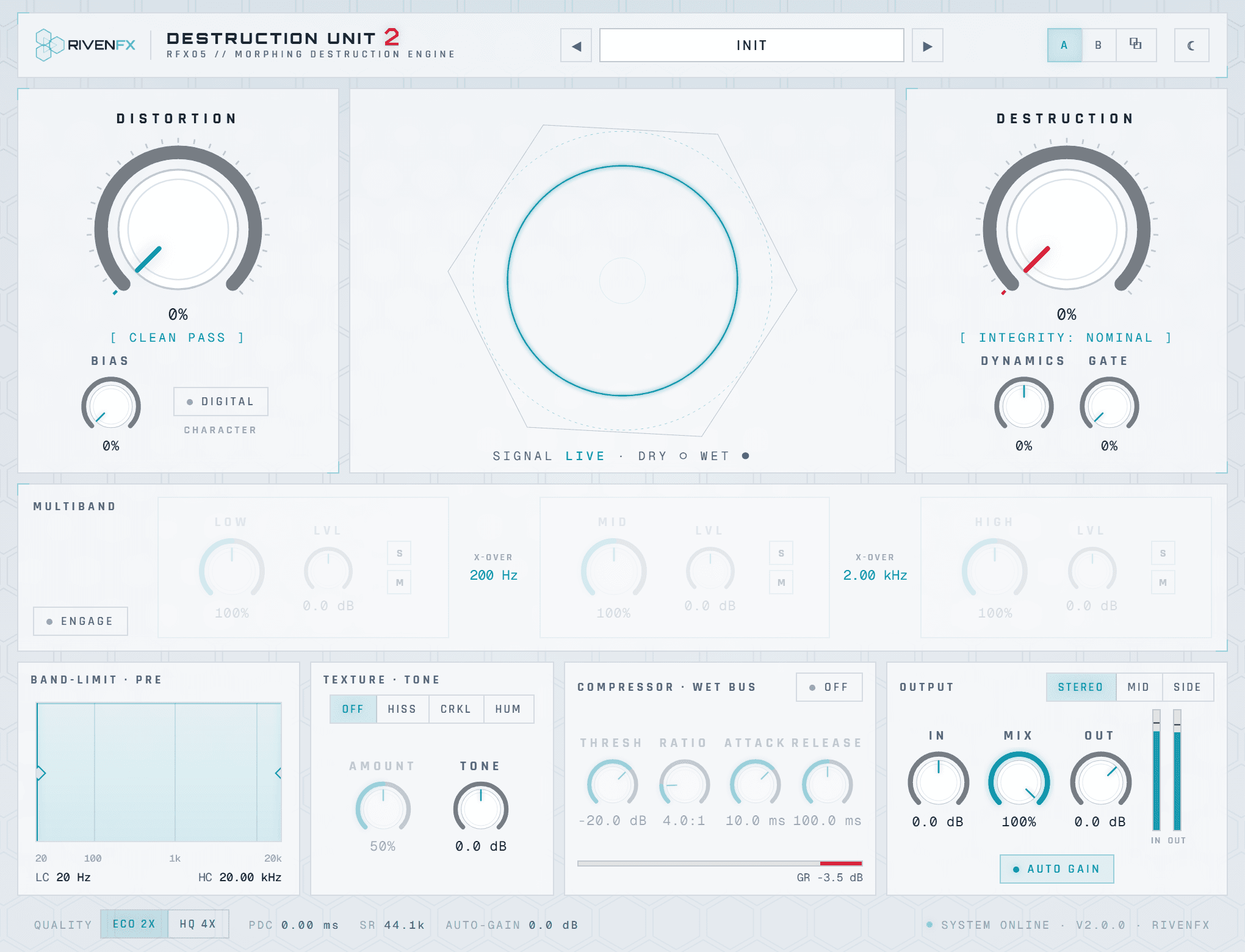
Add weight, grit and movement without losing sight of the source. Destruction Unit combines a responsive distortion engine with the control to make its extremes useful.
Morph the gain stages, blend the wet signal and use oversampling when you want a smoother result.
Use three-band and mid/side processing to focus the effect. Keep the low end grounded while the upper frequencies break apart.
Envelope-driven movement, bias, sag and texture bring changes that follow the performance.
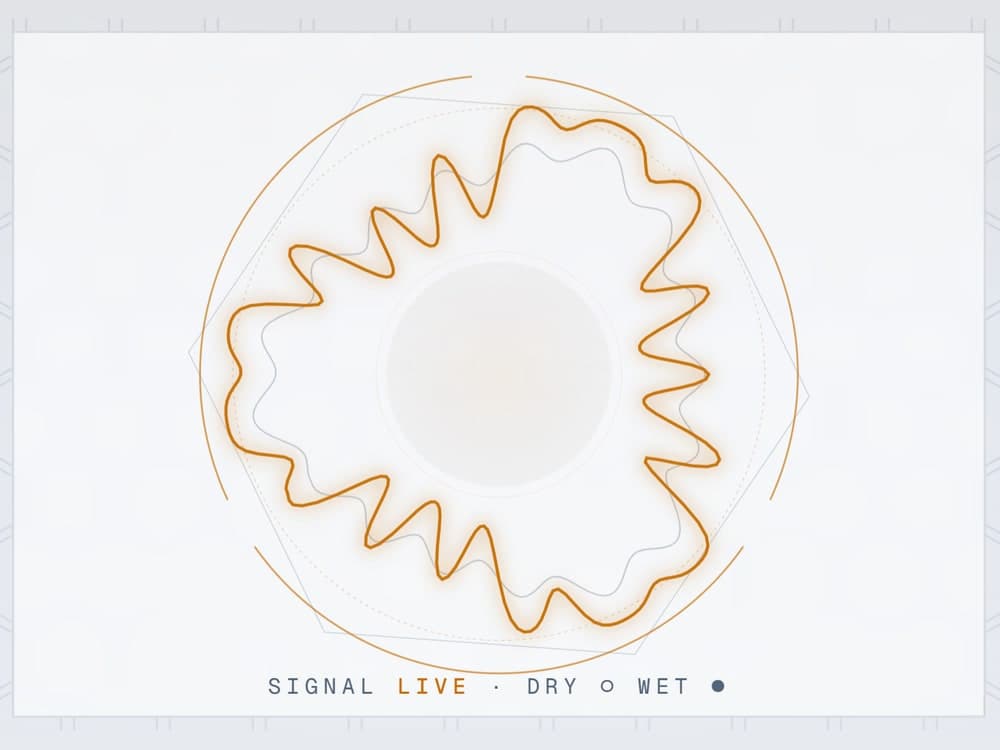
One take. Flip between the untouched recording and the processed version while it plays. Loudness is matched; nothing else changes.
Both versions matched to −16 LUFS with static gain, no limiting. Keys: space play · A dry · B wet · arrows seek.
Two macros: Distortion morphs the shape, Destruction takes the signal apart in stages.
Give a drum bus a rougher edge.
Bring a quiet synth forward.
Design textures that move with the performance.

At Init the audio passes unchanged apart from five samples of reported latency, so you always know where the sound was before you broke it.
Distortion morphs from overdrive through distortion to fuzz. Destruction adds drive, then bit-depth reduction, sample-rate reduction and clipping as it rises.
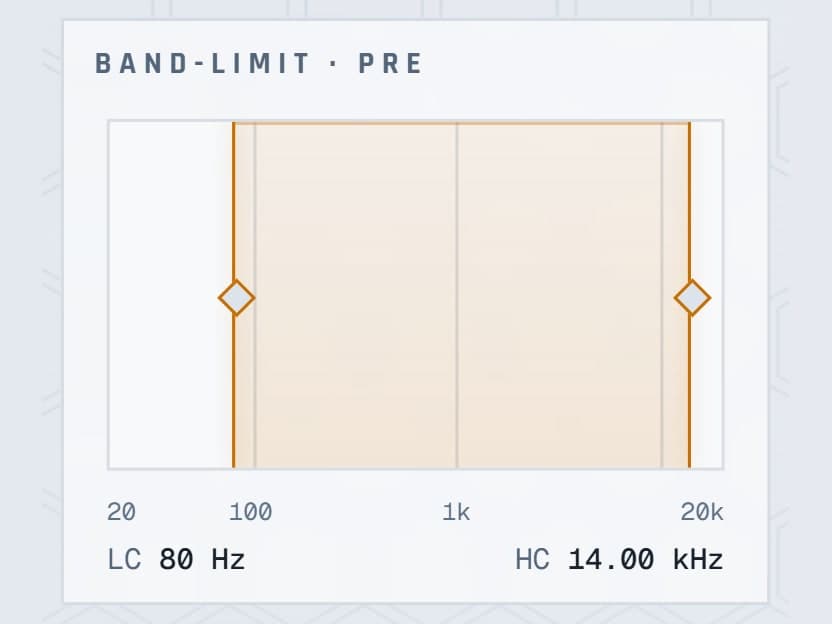
Band-limit the input before the drive. Engage the three-band split and dial each band. Process the whole image, only the centre, or only the sides.
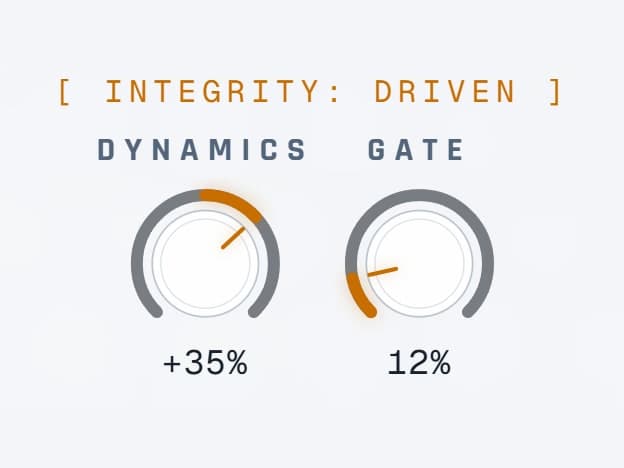
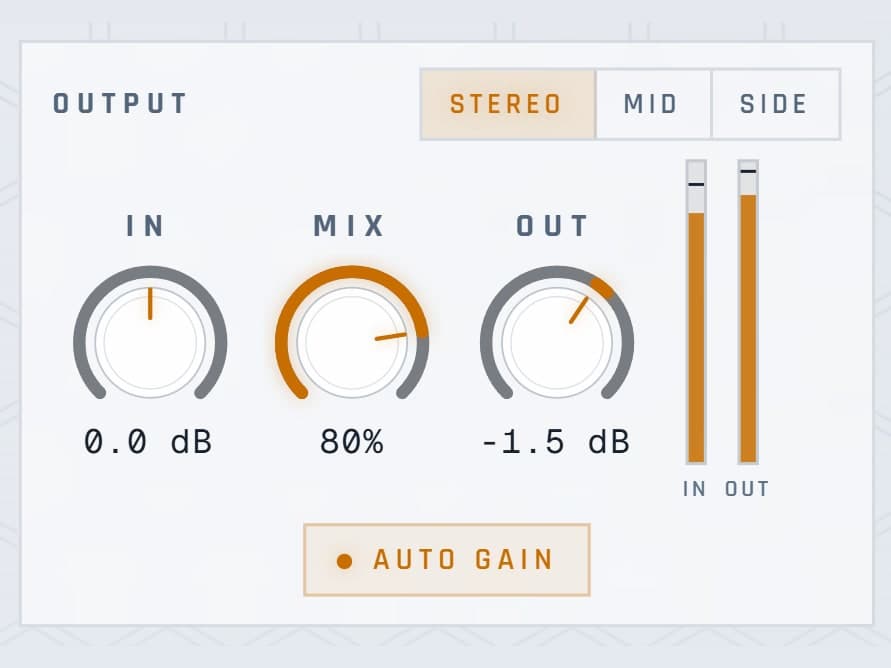
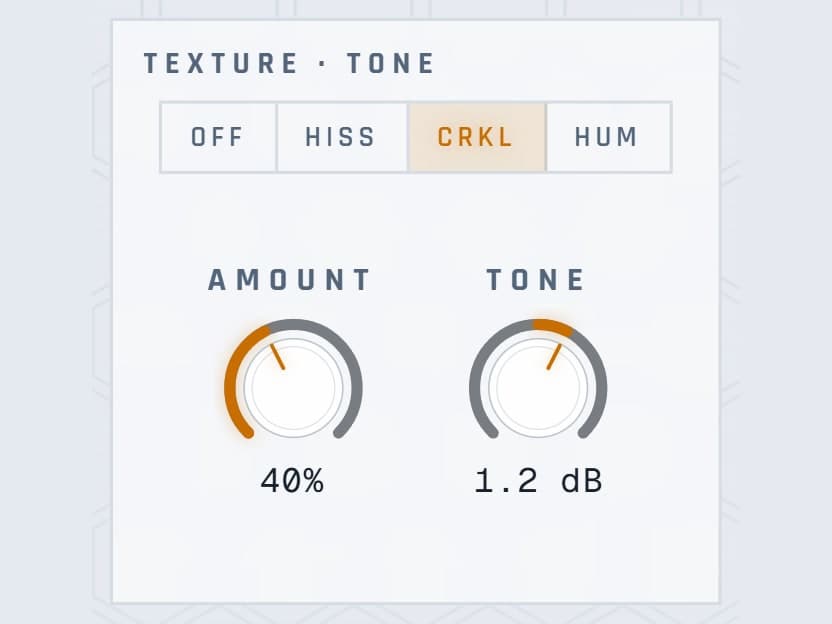
Dynamics concentrates destruction on loud or quiet passages. Analog adds sag. Texture adds hiss, crackle or hum that follows the input. Finish with Tone, the compressor and Mix.
Distortion is a continuous morph rather than a mode switch. Destruction is staged so a small move adds drive and a big move takes the signal apart.
Bias adds asymmetry and even harmonics to the distortion. Analog adds supply sag and slow bias drift, so louder signals compress more, the way hardware does.
Positive Dynamics concentrates destruction on louder passages, negative on quieter ones. The gate expands quiet material downward from the input envelope.
Split the wet signal into low, mid and high with draggable crossovers, per-band amount and level, solo and mute. Or process Mid or Side while the other lane stays clean.
Hiss, crackle or 50 Hz hum enters before the drive stages and follows the input envelope, so the noise is part of the sound rather than laid on top.
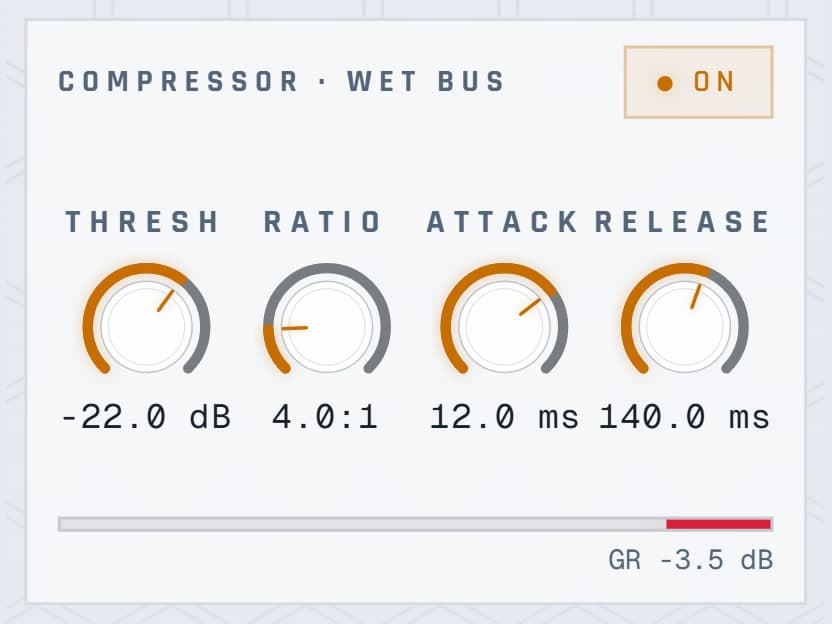
Auto Gain measures the drive and compensates within ±12 dB while keeping your band, gate, compressor and tone decisions. The wet compressor is stereo-linked with visible gain reduction.
| FORMATS | VST3 |
|---|---|
| LATENCY | 5 samples, in both oversampling modes |
| OVERSAMPLING | Eco 2× · HQ 4× around the nonlinear drive |
| BANDS | 3 with draggable crossovers, solo and mute |
| ROUTING | Stereo · Mid · Side |
| AUTOMATION | 37 parameters |
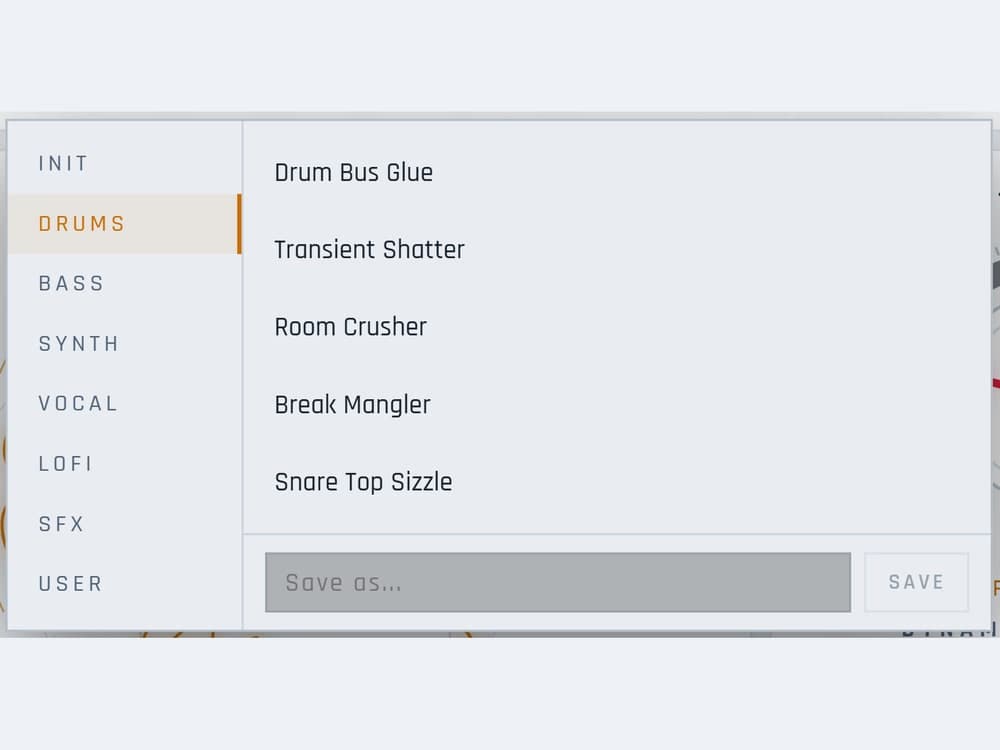
| PRESETS | Factory banks and user presets · A/B with copy |
| INTERFACE | Real-audio visualiser · light and dark · resizable |
| VERSION 1 | Separate plugin identity; installs alongside |
Try the demo with your own material first. Activation removes the interruptions and keeps the plugin yours.
No. The digital degradation in Destruction aliases on purpose. The drive stages are oversampled at 2× or 4× so the analogue-style distortion stays clean.
HQ 4× uses more than Eco 2×. Both report the same five-sample latency, so you can switch without moving anything in your session.
They keep working. Version 2 has its own plugin identity and installs alongside v1. If you own v1, the upgrade is free from your library.
The demo briefly mutes the output at intervals and shows a ten-day trial counter. Activation removes the interruptions.
Windows builds are 64-bit VST3. Mac builds are universal for Apple silicon and Intel, in VST3 format. Check the compatibility and installation guide before buying.
Windows requires Microsoft WebView2. Mac uses its built-in WebKit and needs no separate web runtime. Mac downloads currently use local signing and are not Apple-notarized; see the Mac installation notes.
Demo audio is briefly muted at intervals. Activation removes the interruptions.
Downloads & setup