A spectrum that does not lie
In L+R the spectrum shows the stronger channel at each frequency, so stereo phase cancellation cannot hide content. Select Mid to inspect the mono sum.
Waveform, spectrum, stereo and pitch views in a responsive visual workspace. See what your ears are telling you.
Try the demo in your DAW. Downloads & compatibility.
Own v1? Your upgrade is free.
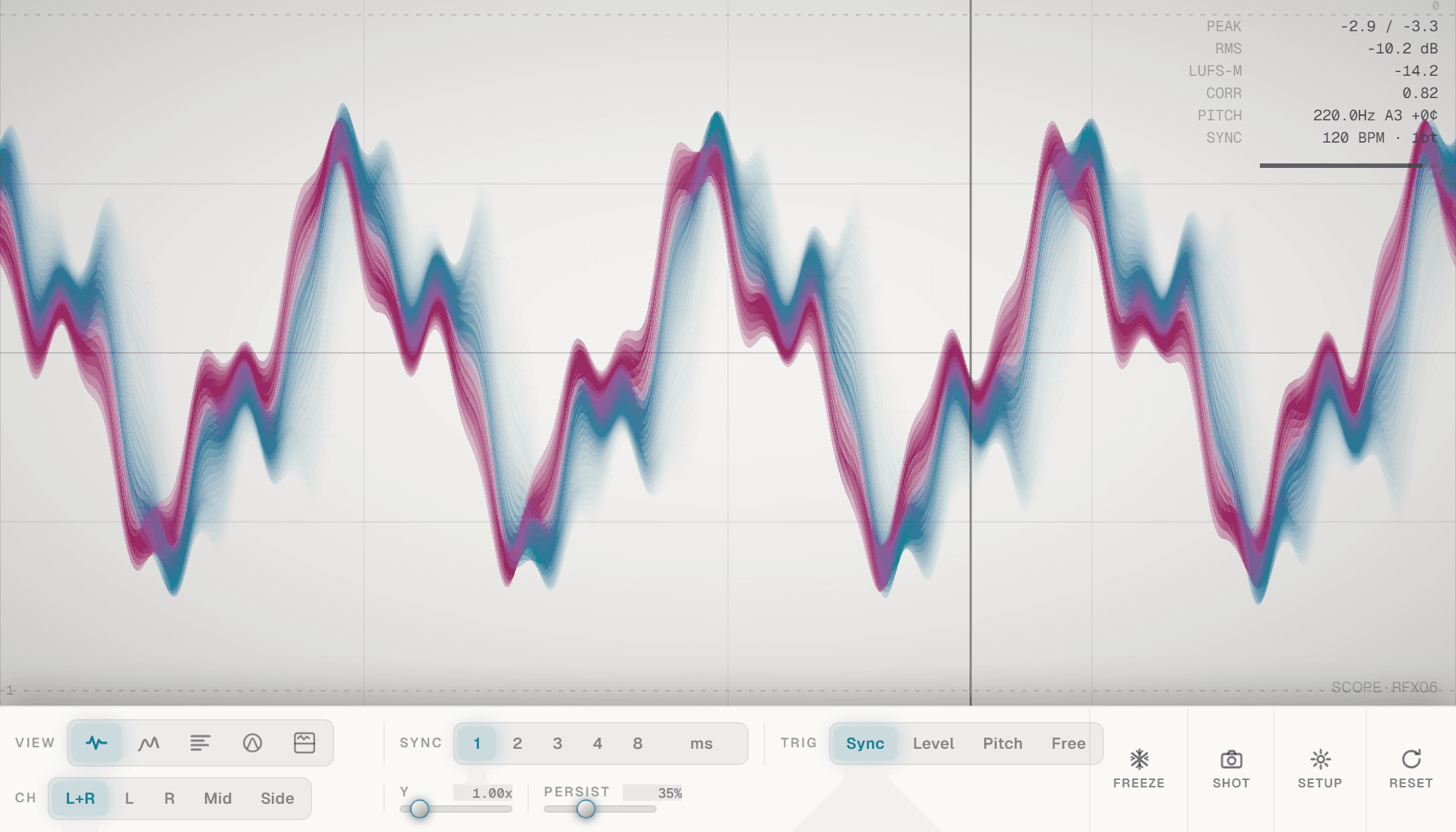
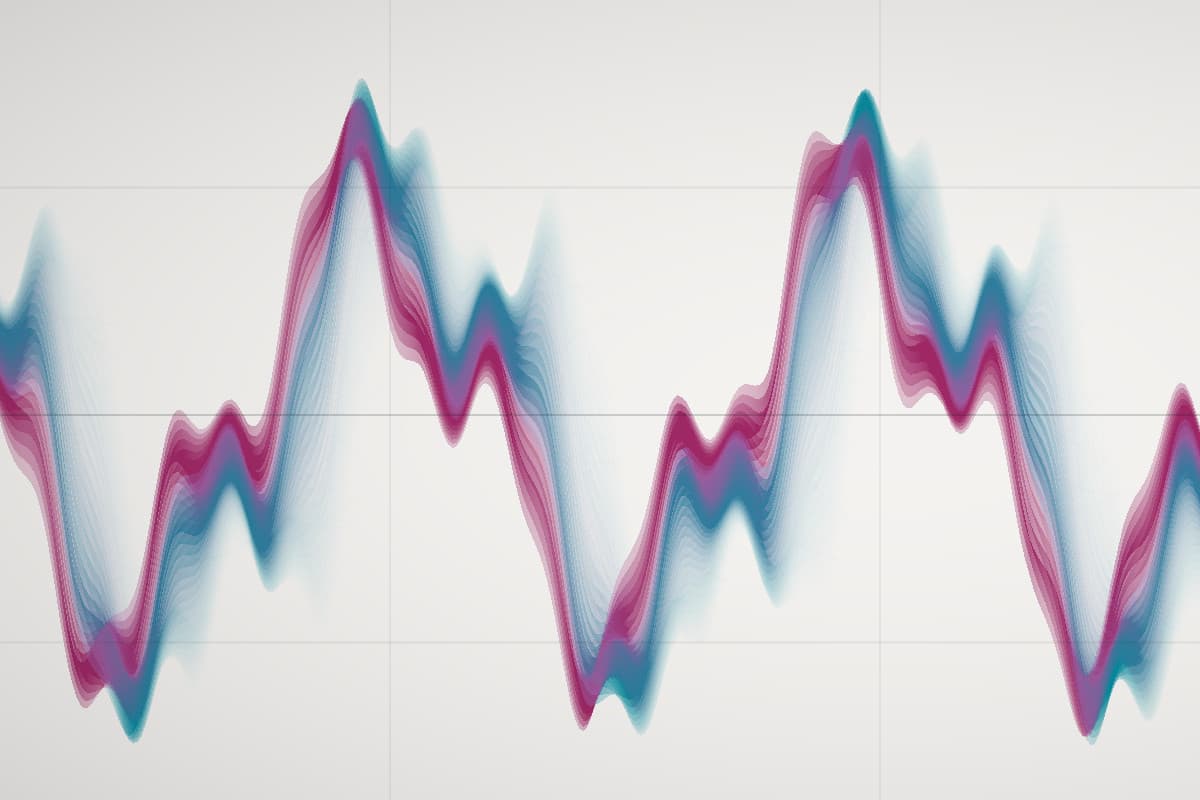
Keep the shape, balance and movement of your signal in view. Scope passes audio through unchanged while its visual tools help you understand what is happening.
Move between waveform, spectrum, waterfall, stereo and pitch displays to investigate the same sound.
Freeze the view, inspect captured history and switch channel perspectives without changing the audio.
Resize the workspace, change its theme and keep the display useful beside the rest of your session.
Five ways to look at the same signal, with nothing added to the audio on its way through.
Check the shape of a transient.
Understand a stereo image.
Watch how a sound changes over time.

On a track, a bus or the master. Audio passes through unchanged with zero latency, so it can stay in the chain.
Scope, Spectrum, Waterfall, Gonio or Split. Choose L+R, Left, Right, Mid or Side for the channel you want to see.
Beats locked to the host grid, or milliseconds. Trigger on a level crossing, on a stable pitch, or run free.
Freeze holds the display while audio keeps playing. Drag back through up to ten seconds of history, then Shot exports the view as a PNG.
In L+R the spectrum shows the stronger channel at each frequency, so stereo phase cancellation cannot hide content. Select Mid to inspect the mono sum.
Frequency over time across up to 12 seconds, with a floor control for the quietest level you want to see.
The stereo image and phase at a glance. A centred vertical trace means similar left and right; a wide horizontal image means opposing polarity.
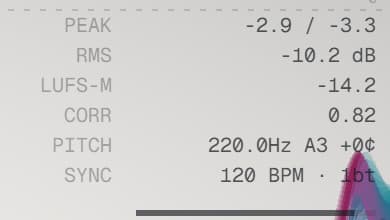
Peak with decay and a clip counter, RMS, and K-weighted momentary loudness, all in dBFS. Calibrated spectral floor.
Route a second signal to the sidechain input and overlay its waveform on the display without mixing it into the output.
Riven for the dark room, Lab for daylight. Settings and editor size are saved; history and waterfall data are not.
| FORMATS | VST3 · AU |
|---|---|
| LATENCY | Zero, audio passes unchanged |
| VIEWS | Scope · Spectrum · Waterfall · Gonio · Split |
| CHANNELS | L+R · Left · Right · Mid · Side |
| TIMEBASE | Beats synced to the host, or milliseconds |
| TRIGGERS | Level · Pitch · Free |
| HISTORY | Up to 10 seconds · waterfall up to 12 seconds |
| READOUTS | Peak · clip count · RMS · LUFS-M |
| EXTRAS | Sidechain ghost · PNG export · Riven and Lab themes |
| VERSION 1 | Separate plugin identity; compatible settings migrate |
Try the demo with your own material first. Activation removes the interruptions and keeps the plugin yours.
No. Peak is a sample-peak measurement with decay and the clip counter records arrivals at full scale. LUFS-M is momentary loudness, not integrated.
Never. The demo briefly pauses capture at intervals; audio passes through unchanged the whole time. Activation removes the pauses.
Lite has the Scope view, both themes, freeze and history, and shows the other views locked. It is free, needs no activation, and can be installed alongside Scope 2.
They keep using v1. Scope 2 has its own identity and migrates compatible display settings when you load v1 state into it. If you own v1, the upgrade is free.
Windows builds are 64-bit VST3. Mac builds are universal for Apple silicon and Intel, with VST3 and Audio Unit formats. Check the compatibility and installation guide before buying.
Windows requires Microsoft WebView2. Mac uses its built-in WebKit and needs no separate web runtime. Mac downloads currently use local signing and are not Apple-notarized; see the Mac installation notes.
The paid edition’s demo briefly pauses capture at intervals. Scope Lite is a separate free edition with fewer views and no activation requirement.
Downloads & setup