Three views of one sound
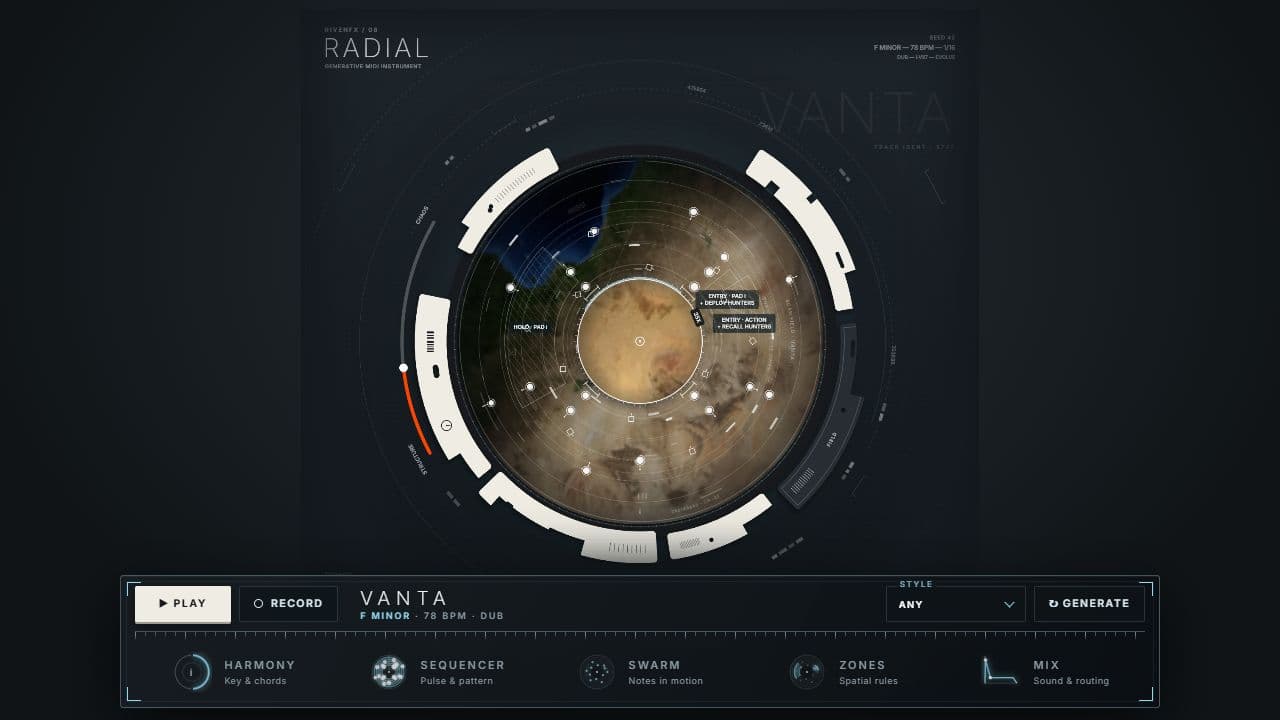
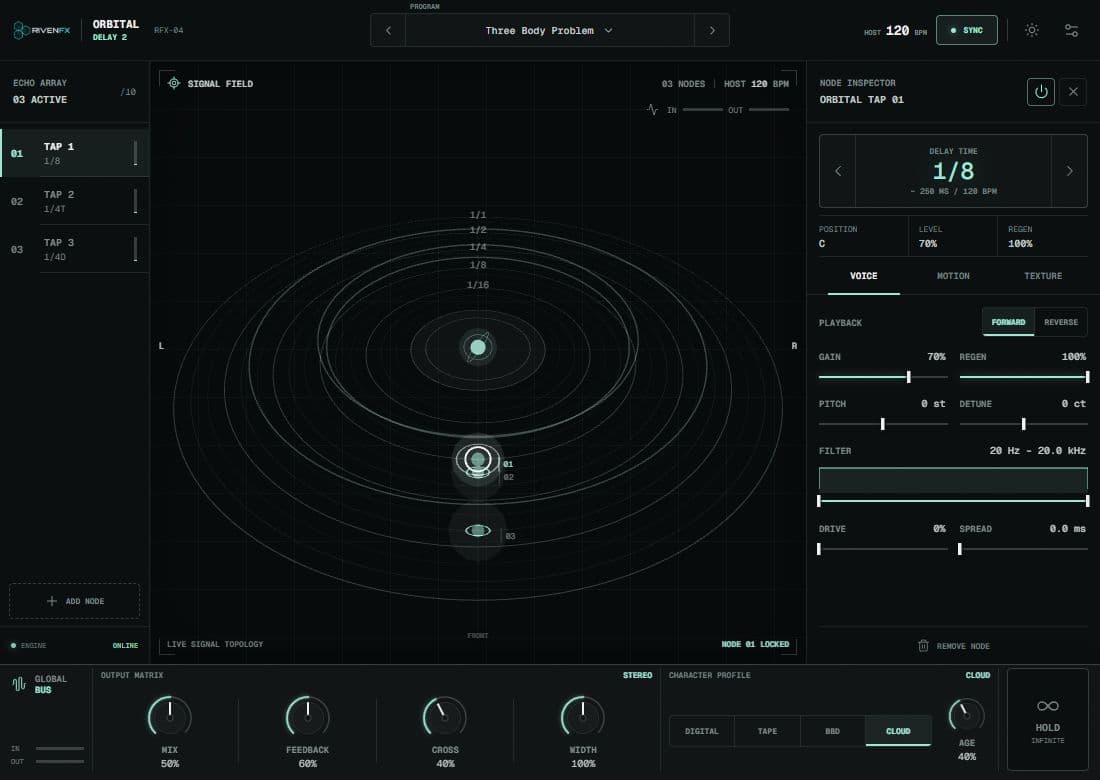
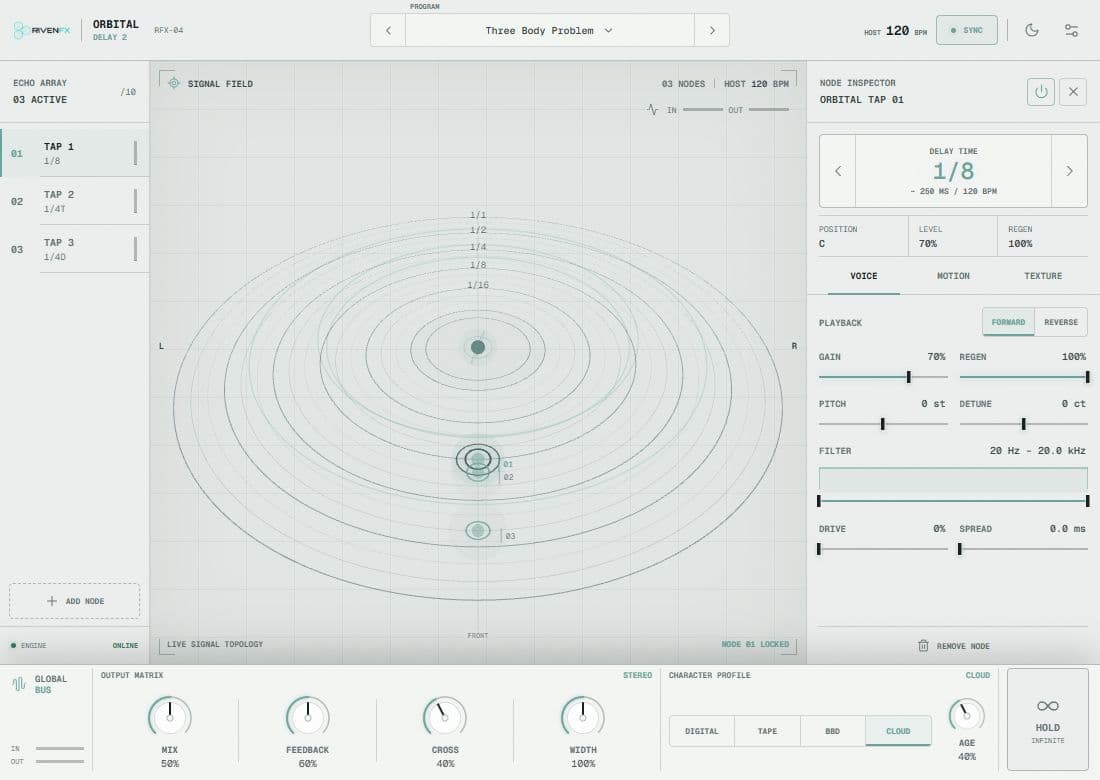
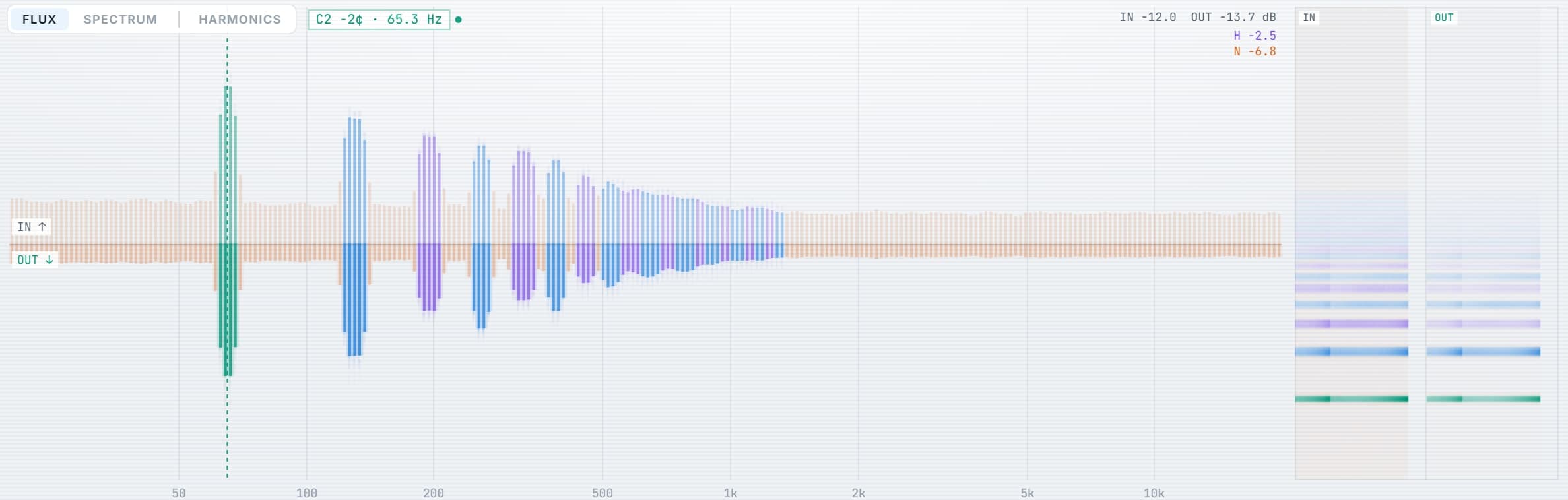
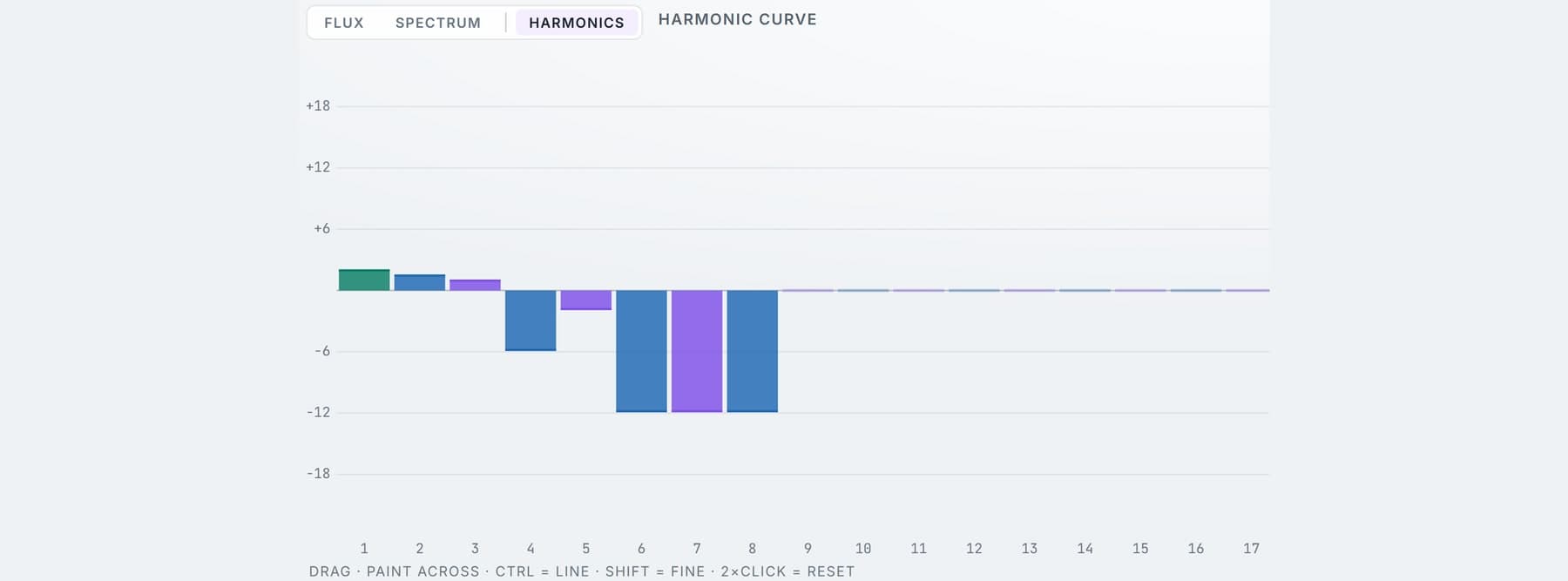
Flux shows the live input and output spectrogram side by side. Spectrum is calibrated in dBFS. Harmonics gives every partial from 1 to 32 its own offset.
Separate the fundamental, harmonics and noise. Give every part of a sound its own direction.
Try the demo in your DAW. Downloads & compatibility.
Own v1? Your upgrade is free.
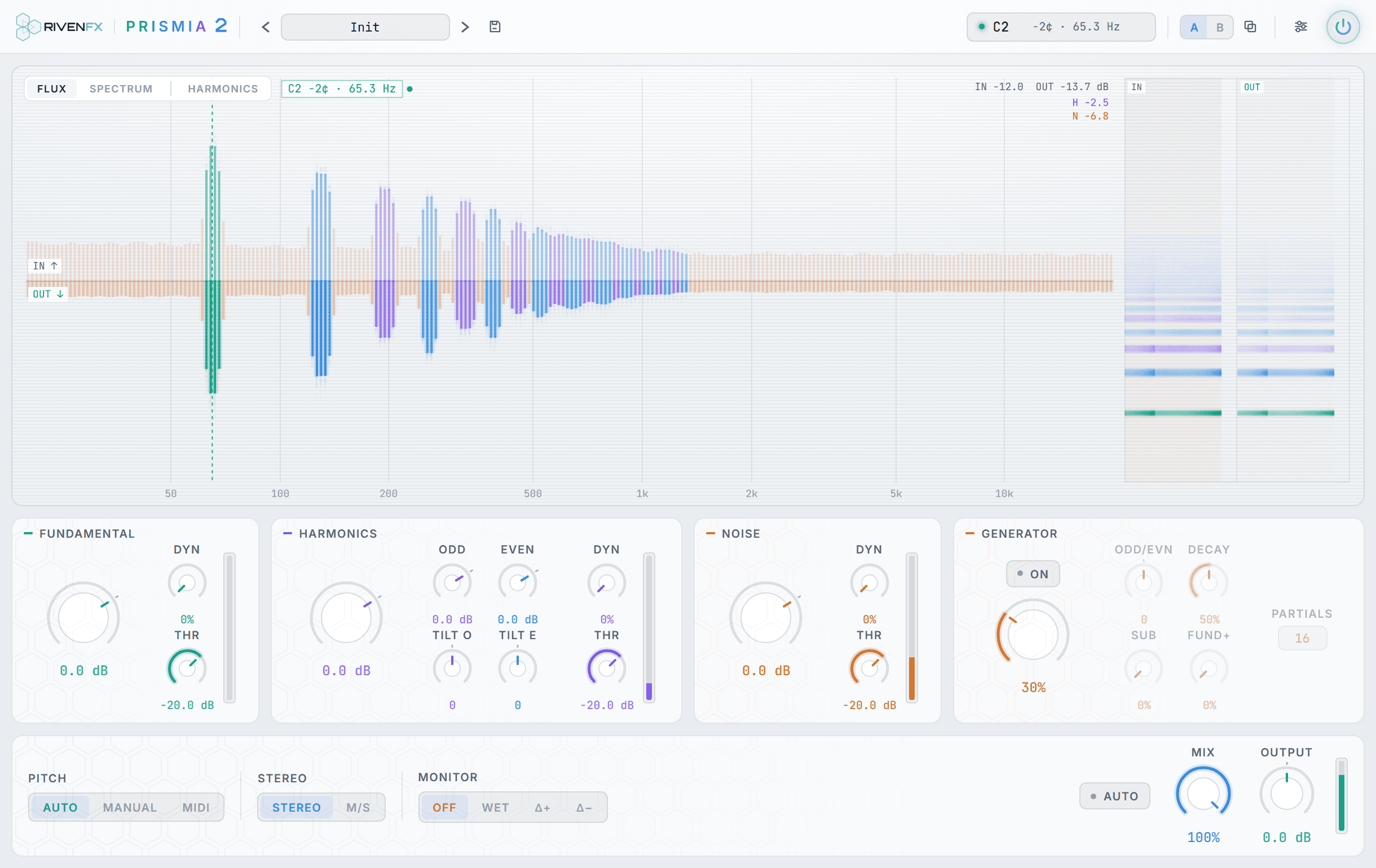
Move beyond the outline of a waveform. Prismia opens up the tonal and noisy components of a sound, with a visual workspace that makes detailed changes feel immediate.
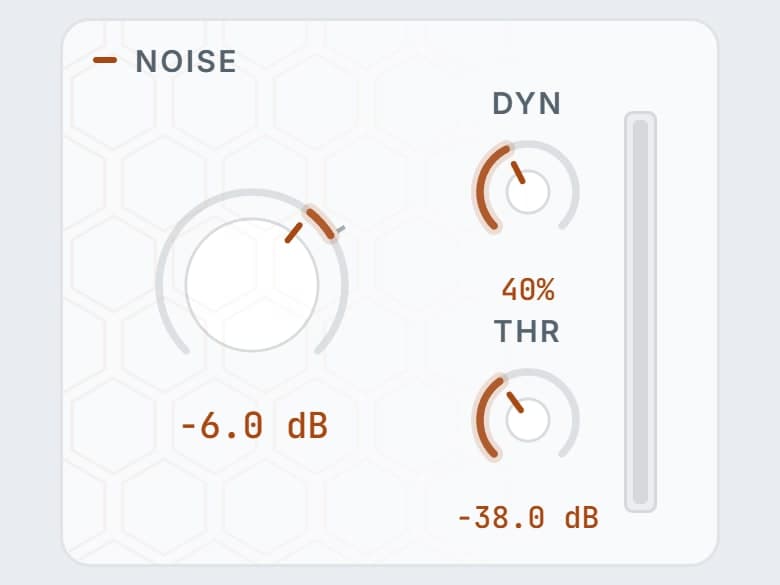
Work with fundamental, harmonic and noise components independently, with level and dynamics controls for each.
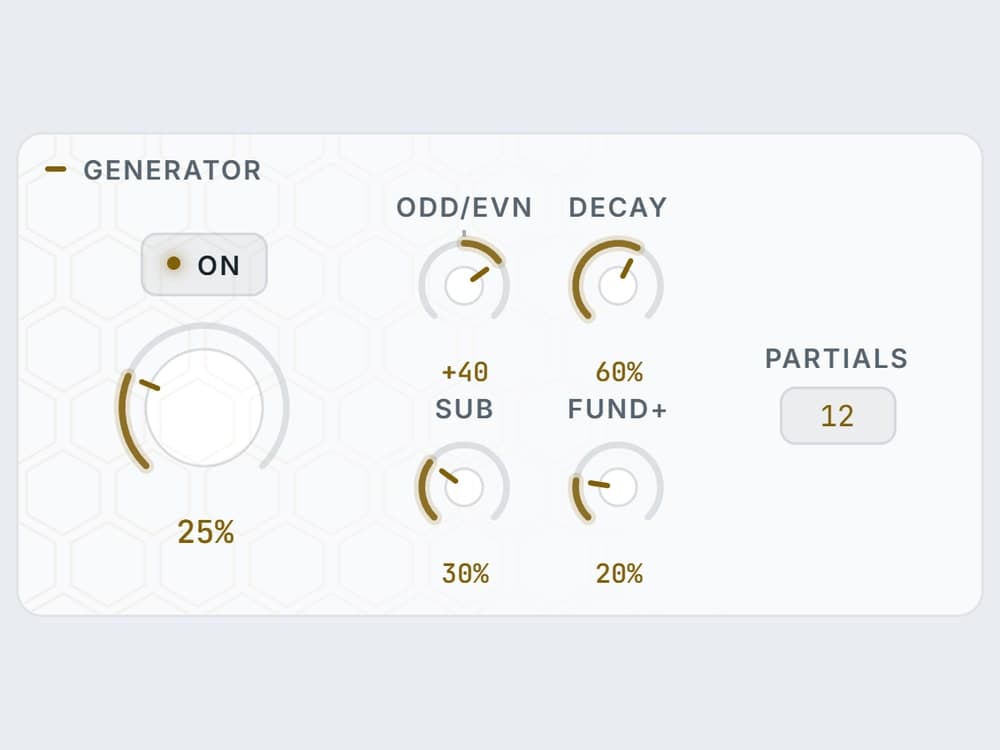
Shape odd and even harmonics, adjust the harmonic curve and explore the additive generator.
Switch between Flux, Spectrum and Harmonics views. Compare ideas with A/B and choose stereo or mid/side processing.
One take. Flip between the untouched recording and the processed version while it plays. Loudness is matched; nothing else changes.
Both versions matched to −16 LUFS with static gain, no limiting. Keys: space play · A dry · B wet · arrows seek.
One sound, three components. Each with its own level and dynamics, split by a tracked fundamental.
Bring out the breath in a vocal.
Give a bass line a new harmonic identity.
Turn a familiar sample into something unexpected.

Start from the Init preset and play a single voice, bass or lead. Auto pitch follows the strongest monophonic pitch and lays the harmonic grid over it.
Auto for tracking. Manual for a fixed fundamental. MIDI to drive the grid from notes in your DAW, where the most recently held note wins.
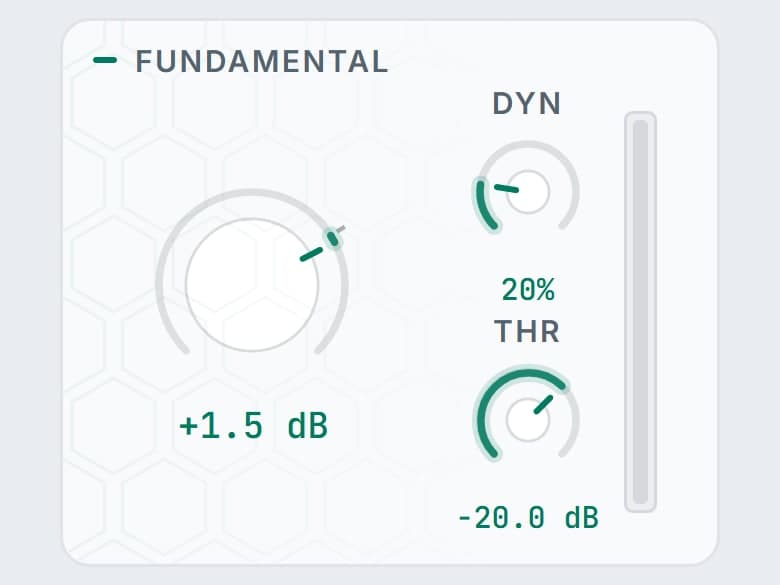
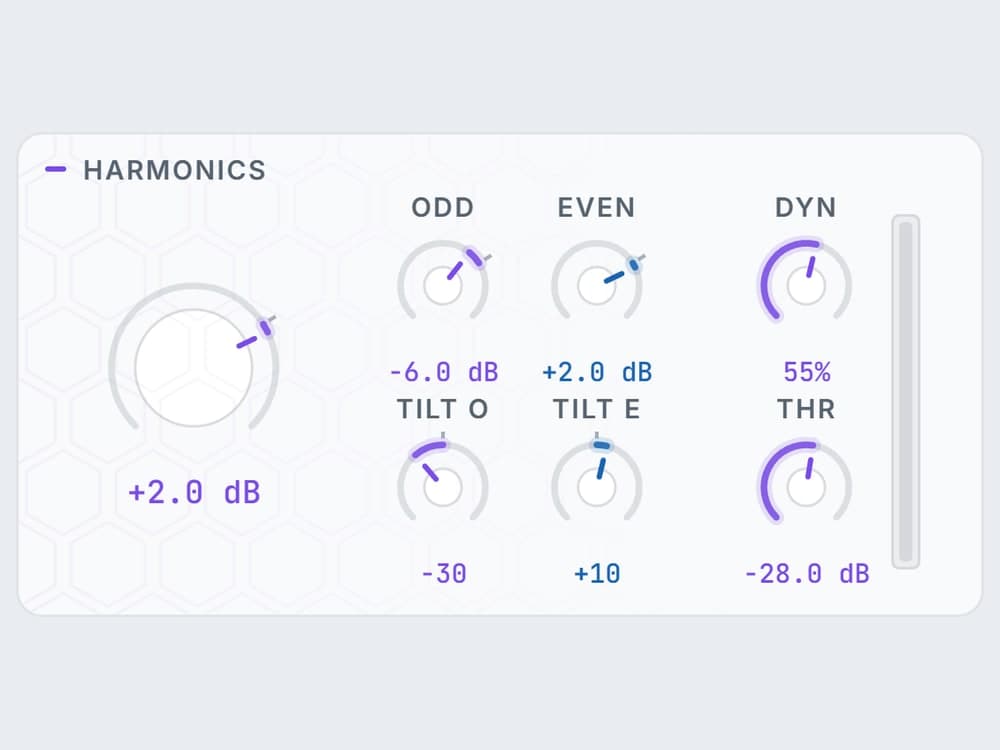
Fundamental, Harmonics and Noise each get level and downward dynamics. Odd and even harmonics have their own offsets and tilt. The Harmonics view opens 32 independent bands.
Raise the Generator for new partials above the fundamental. Audition with Wet, Delta+ and Delta−, compare with A/B, then save a preset.
Flux shows the live input and output spectrogram side by side. Spectrum is calibrated in dBFS. Harmonics gives every partial from 1 to 32 its own offset.
Threshold and amount apply downward dynamics to the fundamental, the harmonics and the noise independently, with attack and release in Settings.
Tight narrows how strictly energy is classified as harmonic. It is a classification control, not pitch correction, so the source keeps its character.
Additive partials above the fundamental with count, odd/even bias and decay. Sub adds half the tracked frequency. It is mono, sits in the centre and is delay-aligned with the spectral path.
Separate gain macros for the centre and the width. Select Mid or Side to edit its controls and inspect its spectrum on its own.
Mix blends against latency-aligned dry audio. Auto Gain applies a bounded RMS correction. Bypass fades over 30 ms rather than clicking.
| FORMATS | VST3 · AU |
|---|---|
| PITCH MODES | Auto · Manual · MIDI |
| HARMONIC CURVE | 32 independent bands |
| LATENCY AT 48 KHZ | Live 21.3 ms · Balanced 42.7 ms · Precise 85.3 ms |
| ROUTING | Stereo or Mid/Side |
| VIEWS | Flux · Spectrum · Harmonics |
| COMPARE | A/B with copy · presets with categories and search |
| WINDOW | 1040 × 600 to 1920 × 1200 · light and dark |
| VERSION 1 | Separate plugin identity; installs alongside |
Worth knowing. Auto tracking is designed for monophonic material. Chords, overlapping notes, breath-heavy audio and unstable low fundamentals may not give a dependable grid. Manual or MIDI pitch is the deliberate alternative for those sources.
Try the demo with your own material first. Activation removes the interruptions and keeps the plugin yours.
Yes, by design. Spectral processing needs a window: 21.3, 42.7 or 85.3 ms at 48 kHz depending on the quality mode. DAWs compensate during playback; live monitoring still hears it. Pick the quality before critical recording.
Auto pitch is built for one voice at a time. For polyphonic or unpitched material, use Manual pitch to fix the fundamental or MIDI to tell it which note to follow.
Nothing. Prismia 2 has its own plugin identity and installs alongside v1. Existing sessions keep using v1. If you own v1, the upgrade is free from your library.
The demo briefly mutes the output at intervals and runs a ten-day trial counter. Activation with your key or an offline licence file removes the interruptions.
Windows builds are 64-bit VST3. Mac builds are universal for Apple silicon and Intel, with VST3 and Audio Unit formats. Check the compatibility and installation guide before buying.
Windows requires Microsoft WebView2. Mac uses its built-in WebKit and needs no separate web runtime. Mac downloads currently use local signing and are not Apple-notarized; see the Mac installation notes.
Demo audio is briefly muted at intervals. Best explored with monophonic sources; complex polyphonic material can produce mixed results.
Downloads & setup